
In the world of trading, a demo account serves as a crucial tool for aspiring traders. It provides a risk-free environment where users can practice trading with virtual funds. This approach allows them to learn the platform and test various strategies without the fear of losing real money.
TradingView enhances this experience by integrating demo functionality within its Supercharts. Here, traders can simulate orders and analyze market movements, all while honing their skills. This setup not only fosters learning but also builds confidence in a trader’s abilities.
Understanding the difference between historical testing and live simulation is essential. Tools like Bar Replay and Paper Trading cater to different stages of a trader’s journey. By adopting a structured approach, users can identify ineffective methods before investing real capital.
Getting Started with the TradingView Demo Account
A risk-free trading environment is essential for developing trading skills. The tradingview demo account allows users to replace real funds with virtual money. This setup creates a controlled space for practice trading and effective risk management.
To activate your demo account, simply navigate to Supercharts. Click on Trade in the top-right corner, select Paper Trading, and then choose Connect. This straightforward process is available to all users, regardless of regional broker availability.
Once activated, users can explore various assets, including stocks, forex, crypto, and commodity futures. They can locate futures through the Symbol Search by opening the Futures tab and sorting contracts by country or category. The panel records all trades, providing valuable insights for future analysis.
Hands-on order placement, combined with chart use and indicators, enhances the overall experience. This allows traders to practice trading without the pressure of real-money stakes, ultimately helping them build confidence in their strategies.
| Asset Type | Supported | Notes |
|---|---|---|
| Stocks | Yes | Variety of stocks available |
| Forex | Yes | Multiple currency pairs |
| Crypto | Yes | Includes major cryptocurrencies |
| Commodity Futures | Yes | Access to various commodities |
| Index Futures | Yes | Major indices supported |
Exploring TradingView Tools for Futures and Strategy Practice
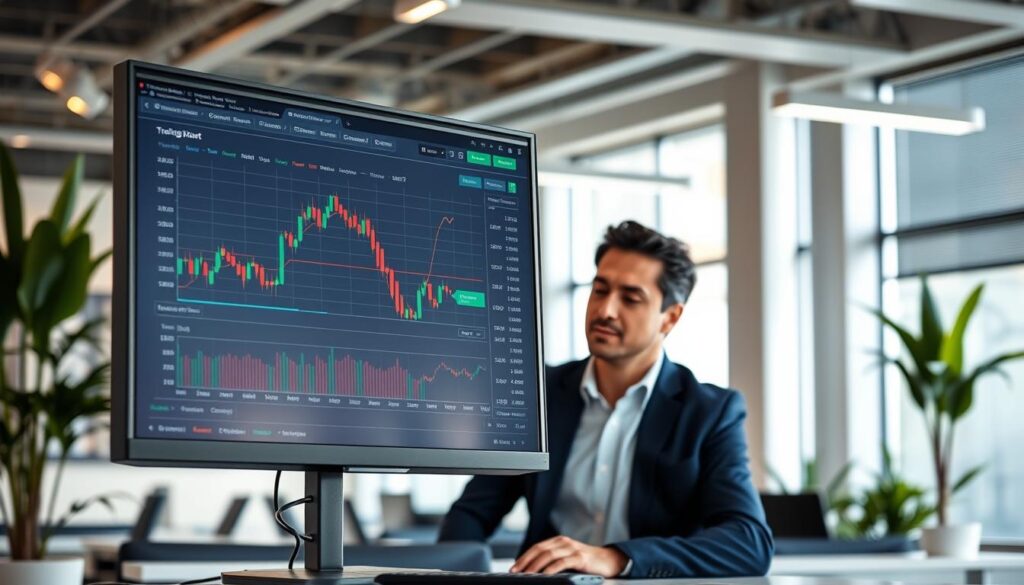
Exploring advanced tools can significantly enhance a trader’s skill set. Among the most valuable features available are Bar Replay, the Strategy Report, and the Trading Panel. Each of these tools offers unique benefits that cater to different aspects of trading practice.
Utilizing Bar Replay for Historical Market Analysis
The Bar Replay feature allows users to analyze past market movements interactively. Traders can select a starting point and click Play to view price changes candle by candle. This historical simulation reveals patterns and helps test entries and exits. Users can also pause their sessions, preserving previous settings for later review.
Analyzing Strategies with the Strategy Report
The Strategy Report automatically opens when a strategy is added from the Indicators menu. It measures key performance metrics such as net profit, win rate, and drawdown. This tool enables traders to evaluate their strategies across numerous historical trades, providing valuable insights for improvement.
Navigating the Trading Panel for Efficient Order Placement
The Trading Panel supports order placement through various methods, including an order ticket and Depth of Market. This flexibility allows traders to execute orders efficiently while practicing with virtual funds. By mastering these tools, traders can enhance their overall experience and build confidence in their trading strategies.
| Tool | Functionality | Benefits |
|---|---|---|
| Bar Replay | Interactive historical analysis | Identify patterns and test strategies |
| Strategy Report | Performance evaluation | Measure success metrics |
| Trading Panel | Order placement | Efficient execution of trades |
Building Confidence with a Tradingview Demo Account in Real Market Conditions

Traders often seek ways to enhance their skills in real market scenarios. Utilizing paper trading allows them to simulate live market conditions with virtual funds. This method provides practical exposure without the risk of losing real money.
Futures analysis must account for underlying spot prices and significant events. For instance, wheat futures may react to droughts, while Bitcoin futures can be influenced by halvings or regulatory changes. Understanding these factors is crucial for effective trading.
As positions close at the final settlement after expiration, realized profit or loss appears at that time. The simulator automatically handles expired positions, canceling active orders. Traders can adapt their strategies across various asset classes, including commodities, crypto, and forex, by staying informed about market conditions.
To further refine their approach, reviewing the Account History and Trading Journal is essential. This analysis helps compare simulated results with intended risk management strategies, ultimately building confidence in their trading skills.
Final Insights on Mastering Your Trading Approach
Navigating the trading landscape requires a thoughtful approach and effective tools. The tradingview demo account provides a structured path, guiding users from virtual practice to informed decisions involving real money.
Utilizing features like paper trading, Bar Replay, and the Strategy Report allows traders to analyze different assets and market conditions effectively. Before committing capital, it’s crucial to review settlement behavior, expiration dates, and price responses.
Additionally, consider participating in The Leap, a TradingView competition that offers virtual funds and real-time trades. This event lasts about two weeks, providing a chance to compare performance without any initial deposits.
In conclusion, consistent measurement, careful risk control, and gradual progression from practice to a suitable live account are key to successful trading.
FAQ
Q: What is a paper trading account?
Q: How can I activate my demo account?
Q: What are the benefits of using a demo account?
Q: Can I simulate live market conditions?
Q: How do I analyze my trading strategies?
Q: Is it possible to trade different asset classes in a demo account?
Q: How can I build confidence while trading?
Related Platform Articles


